Custom integrations and MCP connections for the tools you already run.
We connect CRMs, ERPs, databases, internal tools, and AI assistants so information moves cleanly, actions are auditable, and your team stops retyping the same data across systems.
Custom integrations and MCP connections
Most growing companies do not need another SaaS subscription first. They need the tools they already bought to exchange data correctly and trigger the right work at the right time.
MCP matters because AI tools are moving from answering questions to taking actions. That makes permission design, logging, and clear tool boundaries essential.
Your team copies data between SaaS tools because the systems do not talk to each other.
You want AI assistants to safely read or act on business data, but you do not want a fragile chatbot with broad access.
Zapier and Make got you started, but the workflow is now too important or too complex to stay patched together.
Clean connections between systems, people, and AI.
A map of systems, data ownership, event flows, auth, failure modes, and the simplest reliable path forward.
Custom connections between CRMs, spreadsheets, databases, payment systems, forms, project tools, and reporting layers.
Model Context Protocol servers that expose approved tools and data to AI assistants with clear permissions.
Logs, alerts, runbooks, and documentation so the integration can be trusted after launch.
Trace the workflow
We identify what starts the process, where data changes, who owns each step, and what breaks today.
Design the connection
We choose no-code, low-code, custom API, or MCP based on reliability, cost, and risk.
Build and test
We ship the integration with test data, rollback paths, error handling, and clear ownership.
Operate
We monitor the first production runs, document the system, and train the team on what changed.
The right integration is boring on purpose
It should have clear owners, predictable errors, basic monitoring, and a documented recovery path. If no one knows when it breaks, it is not production-ready.
MCP should start narrow
The first MCP connection should expose a small set of high-value, low-risk actions. Read-only search and retrieval often come before write actions.
No-code still has a place
Zapier, Make, and n8n can be excellent for early workflow proof. The decision to custom-build should be based on risk, volume, complexity, and business criticality.
Our case-study work connected permit data, CRM workflows, pricing logic, analytics, and sales operations into one operating system.
Read the full breakdown →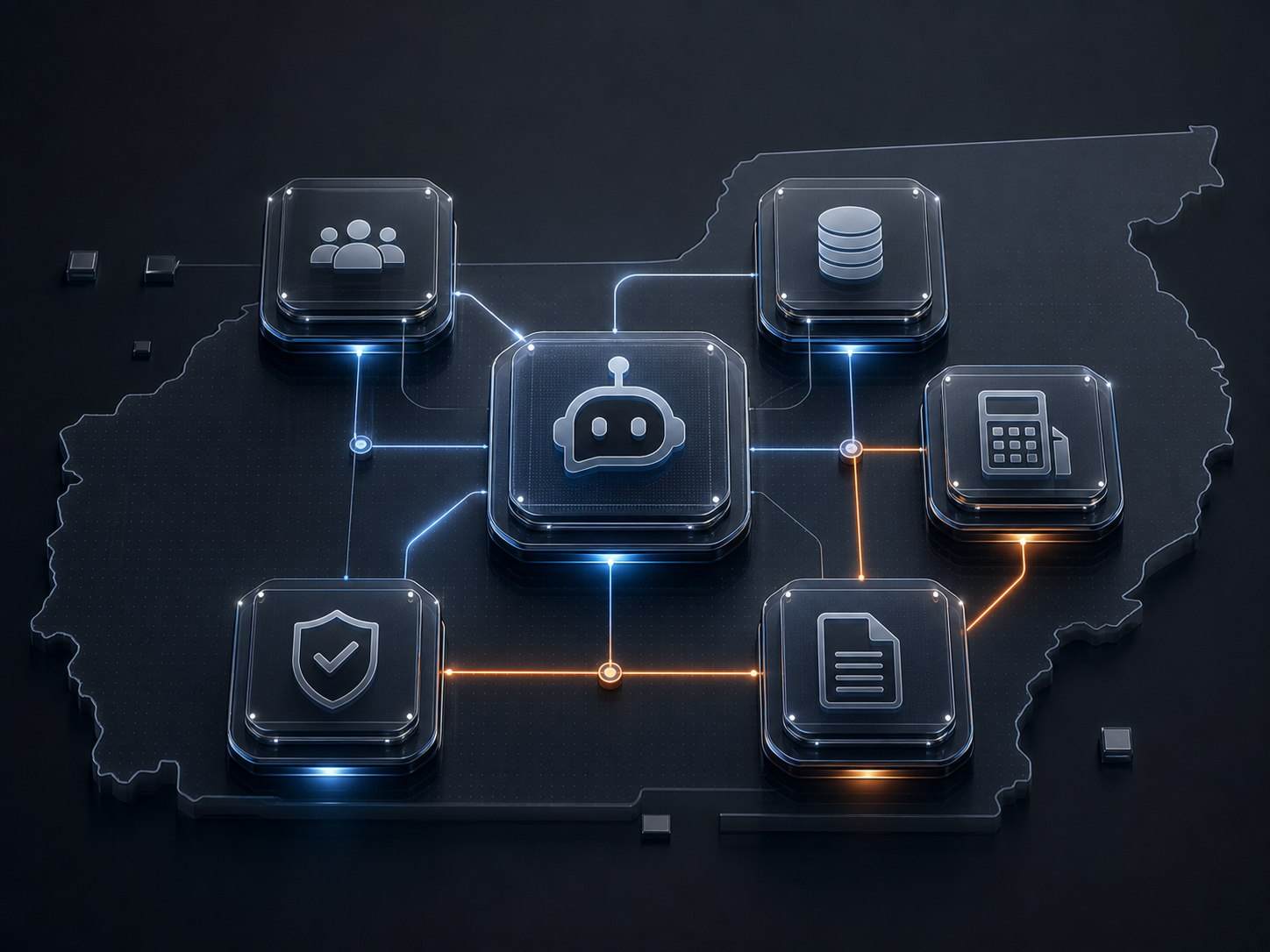
- Workflow map
- API or automation build
- Basic logs and alerts
- Team handoff
- MCP server design
- Authentication and permissions
- Tool definitions
- Assistant test harness
- Integration architecture
- Custom APIs and data sync
- Monitoring and runbooks
- Launch support
What is MCP in plain English?
MCP is a standard way for AI assistants to use approved tools and data sources. Instead of giving AI broad access, you expose specific actions through controlled connectors.
Do we need MCP, or just an integration?
If the goal is system-to-system automation, a regular integration may be enough. If the goal is an AI assistant that can safely query or act across systems, MCP may be the right layer.
Can you work with Zapier, Make, or n8n?
Yes. We use no-code or low-code where it is reliable, then move to custom code when the workflow becomes too valuable to remain fragile.
Can this connect to our database?
Yes, with proper permissions, audit logs, and boundaries around what the assistant or integration is allowed to do.
Connect the systems your team depends on.
Bring the workflow that wastes the most time. We will map the simplest reliable connection.
Map the integration →